By URLsy Team · Growth Editorial
Most teams start QR campaigns with a design file and end with messy reporting. To track QR code scans reliably, you need to treat each code as a measurable campaign object tied to one placement, one destination, and one naming pattern. This guide gives you a practical workflow that works for packaging, events, retail signage, and creator promotions.
Key takeaways
- Track QR scans per campaign link, not as one mixed bucket.
- Use consistent naming to simplify weekly attribution reporting.
- Keep QR and short-link analytics in one dashboard to reduce friction.
Build a clean QR tracking architecture before launch
Before generating any code, define campaign entities: channel, placement, audience, and goal. This avoids the common mistake where every scan lands in one mixed dashboard and no one can explain performance by context.
Use a short link naming format like campaign-channel-placement-variant so your QR campaign analytics remains sortable. When your naming is stable, weekly reporting becomes a query problem, not a data-cleanup project.
If your goal is to track QR code scans across multiple environments, never reuse one short link across all placements. Each physical location or asset should map to its own tracked link.
Use one destination per placement to isolate performance
Create distinct short links for menu tables, product packaging, checkout flyers, conference banners, and social overlays. That gives you a clear answer when someone asks: which placement actually drove traffic?
Placement-level links also help you detect underperforming surfaces quickly. If scans are high but conversions are low for one placement, you can adjust message or landing page without touching other channels.
This approach supports both campaign tracking links and QR analytics without requiring custom infrastructure.
Prefer dynamic QR codes for active campaigns
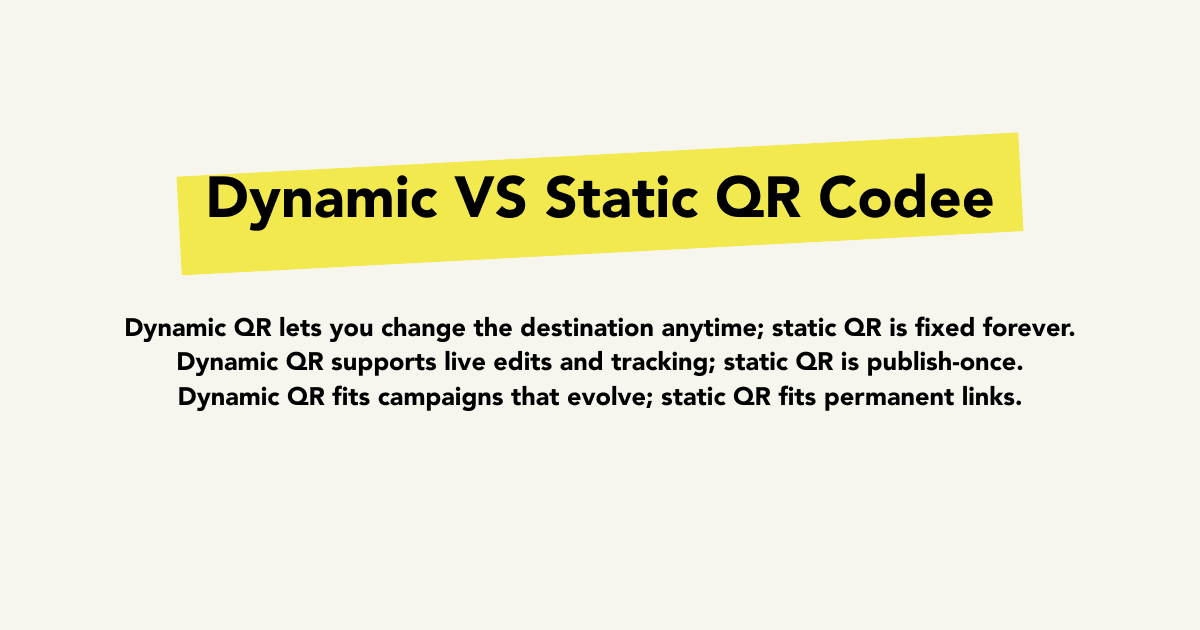
Static QR codes are fine for evergreen URLs, but most growth campaigns are iterative. Dynamic QR codes let you update destination, test variants, and keep printed assets alive longer.
When promotions change mid-flight, dynamic routing prevents waste and keeps attribution continuity. You keep the same code in the field while optimizing the destination behind it.
For marketers, this is the difference between restarting campaigns and optimizing campaigns.
Connect QR scans to your short link analytics layer
Your QR report should live in the same system as your short link analytics. If QR and link metrics are split across tools, you lose trend visibility and spend more time reconciling exports.
Track metrics in sequence: scans, visits, qualified clicks, and downstream conversions. Even if conversion events live elsewhere, a consistent link ID lets teams attribute outcomes accurately.
This is why teams searching for qr code generator with tracking also care about link analytics quality.
Weekly operating checklist for QR campaign analytics
Review top and bottom placement performance weekly, not monthly. QR campaigns are often tied to physical media, so optimization cycles must stay short.
Retire low-intent placements, duplicate high-performing ones, and document learnings by campaign objective. Over time, your QR program becomes a repeatable acquisition channel instead of an ad-hoc experiment.
If you need implementation support, start from the product pages for /features/qr-codes and /features/link-analytics to operationalize this workflow.
FAQ
What is the best way to track QR code scans by location?
Create a unique short link and QR code for each location or placement, then group those links by campaign in analytics.
Should I use dynamic or static QR codes for campaigns?
Use dynamic QR codes for active campaigns because you can update destinations and keep reporting continuity without reprinting codes.
Can I track QR scans and short links in one dashboard?
Yes. Using one platform for QR and short links is the easiest way to keep campaign context and reduce reporting friction.
Related next steps
QR code generator with tracking
Create measurable QR campaigns in urlsy.cc.
Explore →Short link analytics
Keep QR and link reporting in one view.
Explore →Compare platform options
Evaluate campaign-focused alternatives for link and QR workflows.
Explore →Start creating tracked links
Launch your first measured QR campaign.
Explore →Call to action
Turn the strategy into tracked links
Apply these ideas with branded short links, QR codes, and analytics in one campaign workflow.