By URLsy Team · Platform Engineering
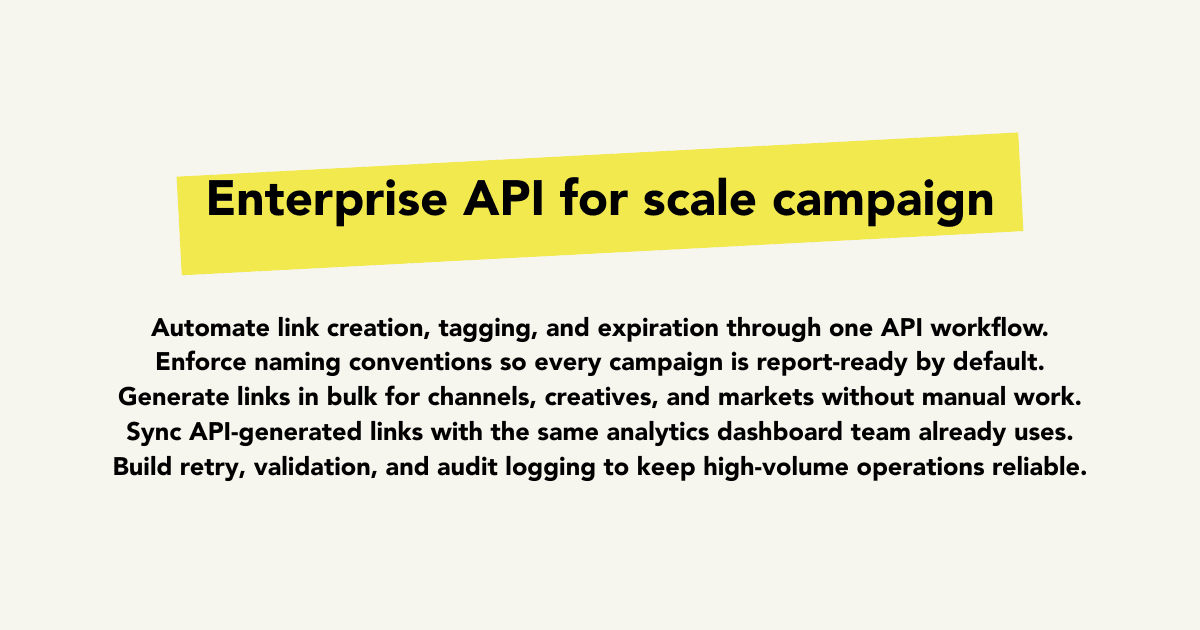
As campaign volume grows, manual short-link creation becomes a bottleneck. An enterprise link API helps teams automate link generation, enforce naming conventions, and keep reporting consistent across products, channels, and regions. This playbook outlines what to implement first and how to avoid common rollout failures.
Key takeaways
- APIs remove manual bottlenecks in high-volume campaign execution.
- Link governance is stronger when naming and ownership are systemized.
- Automated link creation should stay connected to analytics and reporting.
When teams need an API-first link workflow
If multiple tools and teams generate links, UI-only workflows usually create inconsistencies in naming, ownership, and destination handling.
An API approach centralizes link operations so campaigns can be launched from internal systems, CMS workflows, and automation pipelines.
That consistency is critical for agencies, enterprise marketing teams, and product-led organizations running frequent launches.
Core enterprise API use cases
Bulk creation for campaign variants, seasonal launches, and localized channels.
Programmatic updates to destinations while preserving reporting continuity.
Controlled link lifecycle management with ownership and governance tied to business units or clients.
Governance rules to define before implementation
Standardize naming templates that include campaign, channel, and placement fields.
Define who can create, edit, and archive links in automation pipelines.
Treat link IDs as reporting primitives so analytics can connect cleanly across systems.
Rollout sequence for production readiness
Start with one critical campaign stream and validate output quality, attribution integrity, and fallback handling.
Then expand to adjacent teams once naming, monitoring, and error-handling standards are stable.
Keep API-generated links visible in the same analytics surface as manually created links to avoid split reporting.
FAQ
Who should use an enterprise link API?
Teams managing high campaign volume, multi-channel operations, or client-heavy workflows benefit most from API-based link automation.
Can API-generated links still be tracked in dashboards?
Yes. API and UI-created links should share the same analytics layer so reporting remains unified.
Related next steps
Analytics for API workflows
Keep automated link performance visible and reportable.
Explore →Branded domain operations
Pair API automation with brand-safe short-link delivery.
Explore →Platform comparison
Compare options for brand and automation-heavy teams.
Explore →Start building
Launch your first API-ready campaign link workflow.
Explore →Call to action
Turn the strategy into tracked links
Apply these ideas with branded short links, QR codes, and analytics in one campaign workflow.